
#
Nginx
NGINX is a high-performance, open-source web server, reverse proxy, load balancer, HTTP cache, and mail proxy used by millions of websites for its efficiency in handling traffic, serving static content, and managing complex application delivery. Originally created by Igor Sysoev in 2004, it's known for its low resource usage and stability.
#
Information
This Pterodactyl egg runs on a custom nginx docker image that was developed by DanBot Hosting. You can find the source code here:
DanBot Hosting GitHub - Pterodactyl Eggs
#
Requirements
- Have a Pterodactyl account created and linked to the panel. Click here if you have not done so already.
#
Creating the Server
To create a free server, go into #⌛╏commands and run DBH!server create nginx [optional server name] to create a free server. Once you have done so, the bot should return the following output.
If you are creating a donator server, instead run: DBH!server create-donator nginx [optional server name]
#
Startup
In the Startup tab, there is a customizable section.
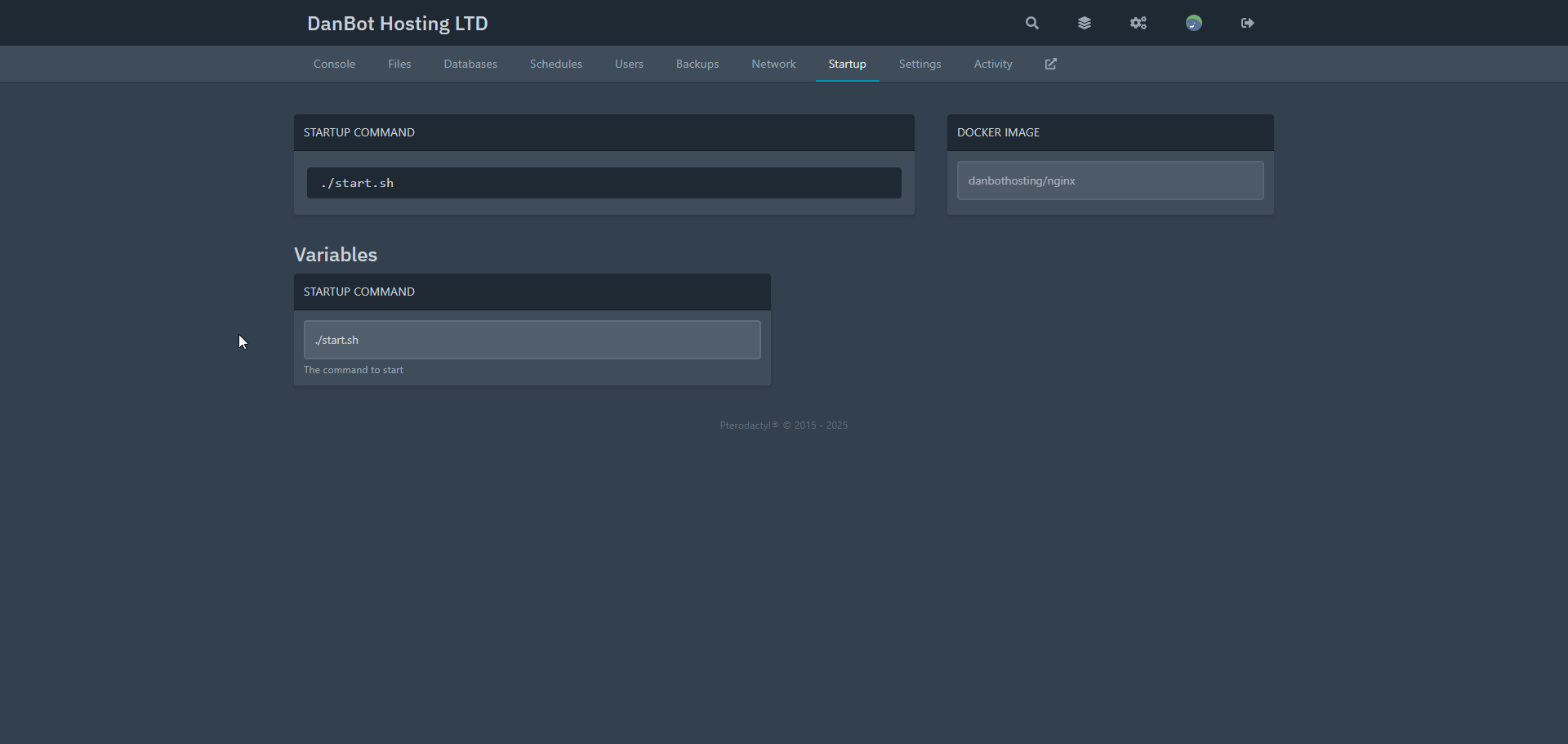
The startup section will allow you to change how nginx starts up.
#
Files
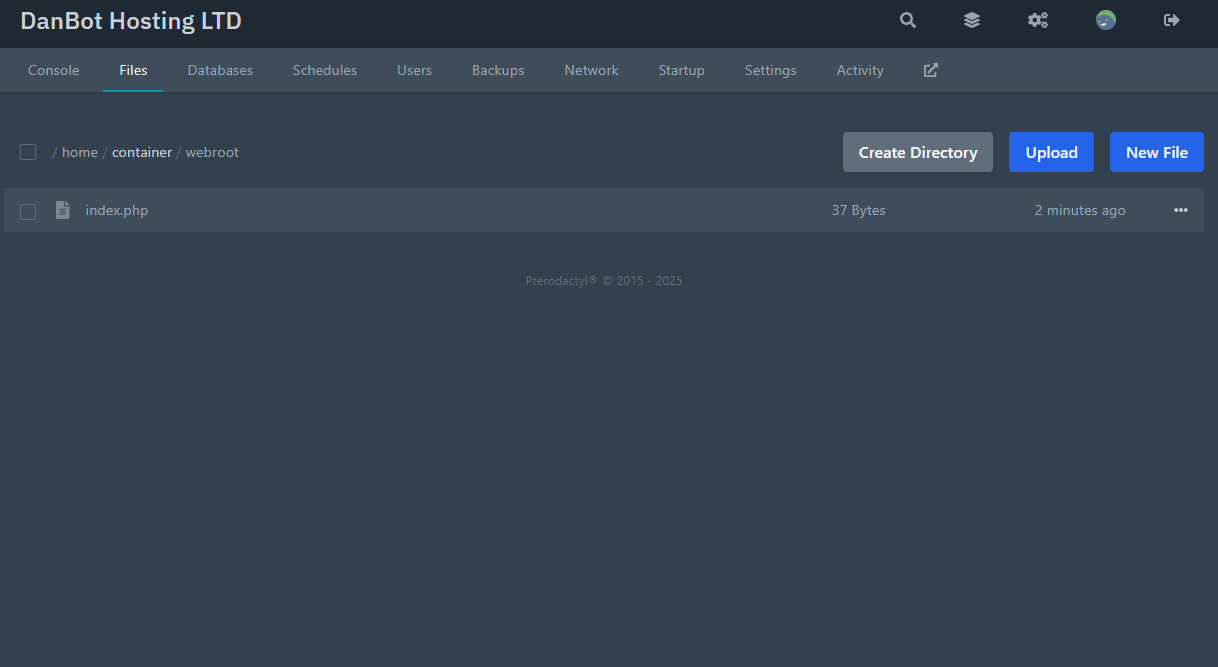
You're files are located in the /webroot/ directory. This is where you can upload custom PHP and other files and serve them directly. The default is a index.php that display Hello World!
#
Starting the Server
Go to your Console section and click start, and based on the configurations you made in Startup, the server will boot, and your application will start!
Optionally you can use bash as your startup and directly type in console for testing, although this is not recommended.
Last Updated:
December 30, 2025.